§ 01Read
Read and understand.
Inbound documents are analyzed into structured workstreams and flagged items, the raw material the rest of the case runs on.
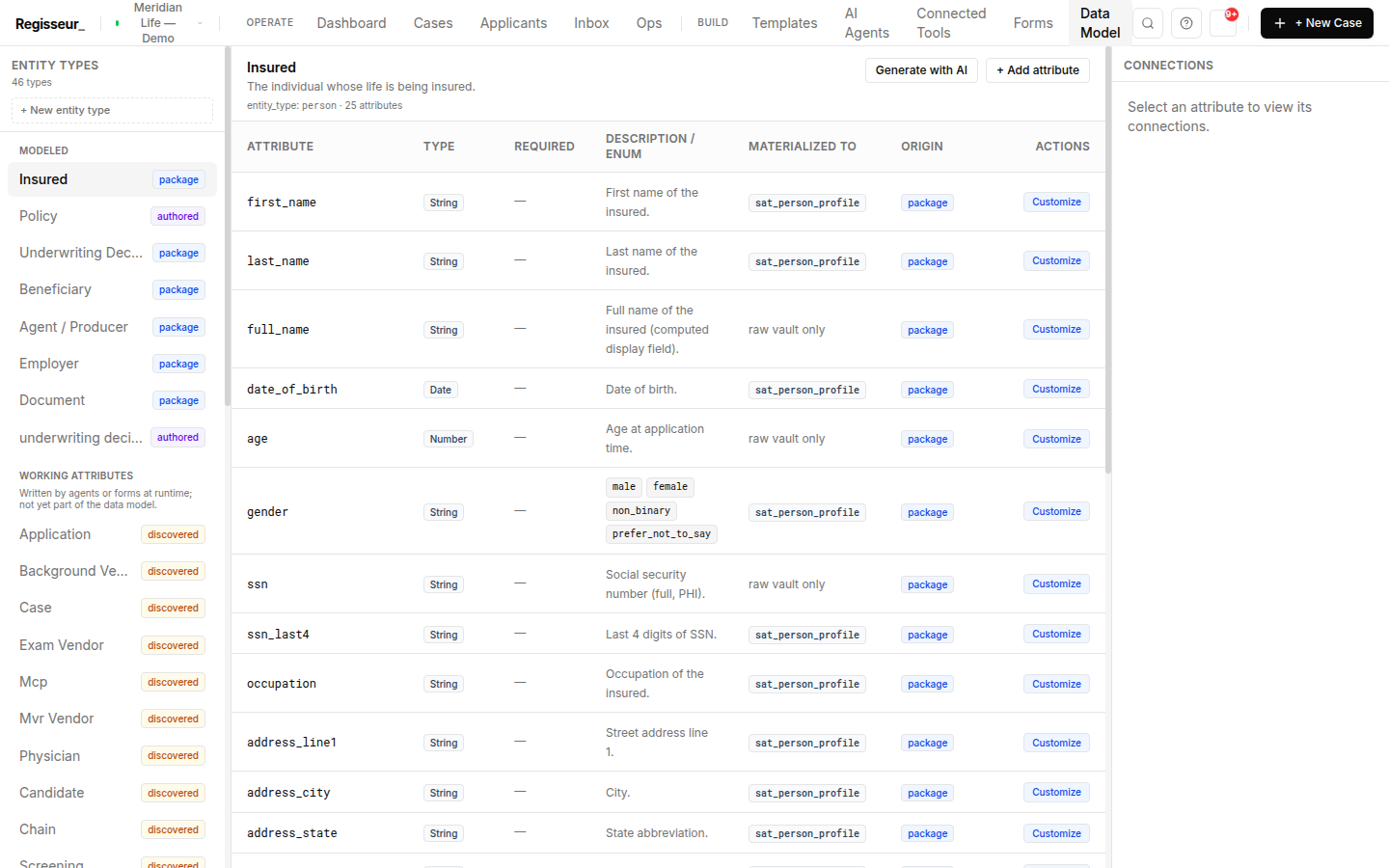
Regisseur reads inbound documents, drafts the workflow to handle them, fills the outbound documents from case data, and writes evidence-cited narrative reports. Documents in, accountable work out.
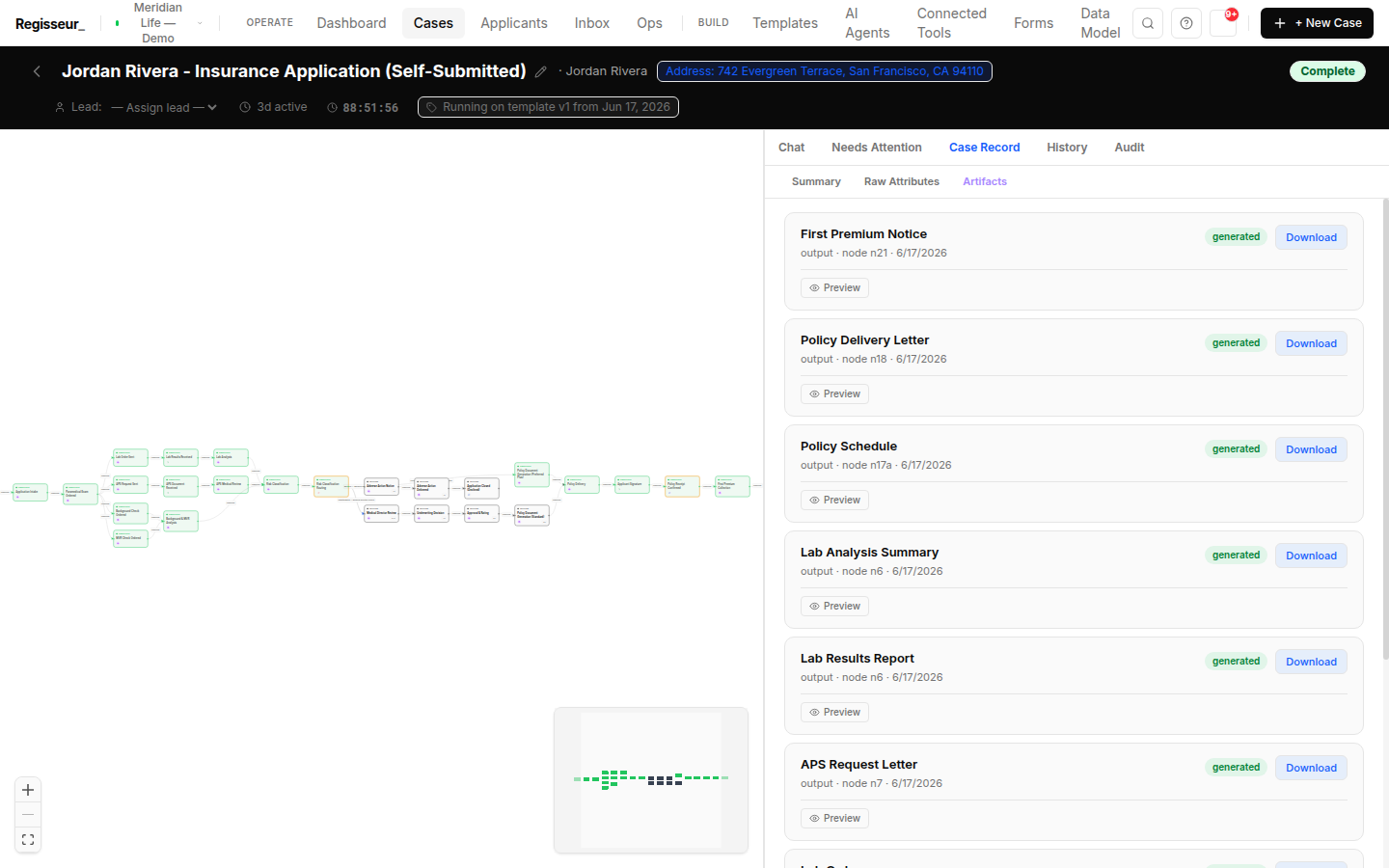
Inbound documents are analyzed into structured workstreams and flagged items, the raw material the rest of the case runs on.
Point the platform at a document and it drafts a candidate case: it analyzes the content, matches your existing templates per workstream, assembles a draft graph, and hands it to you as pending review.
You approve or adjust. You don't build from scratch.
Two paths, one surface. Template fill: case data into an AcroForm PDF or an API push, the canonical generated-document path. And LLM narrative reports: evidence-cited prose (visit reports, compliance evidence packs, incident reports) where each claim is tied to a case record.
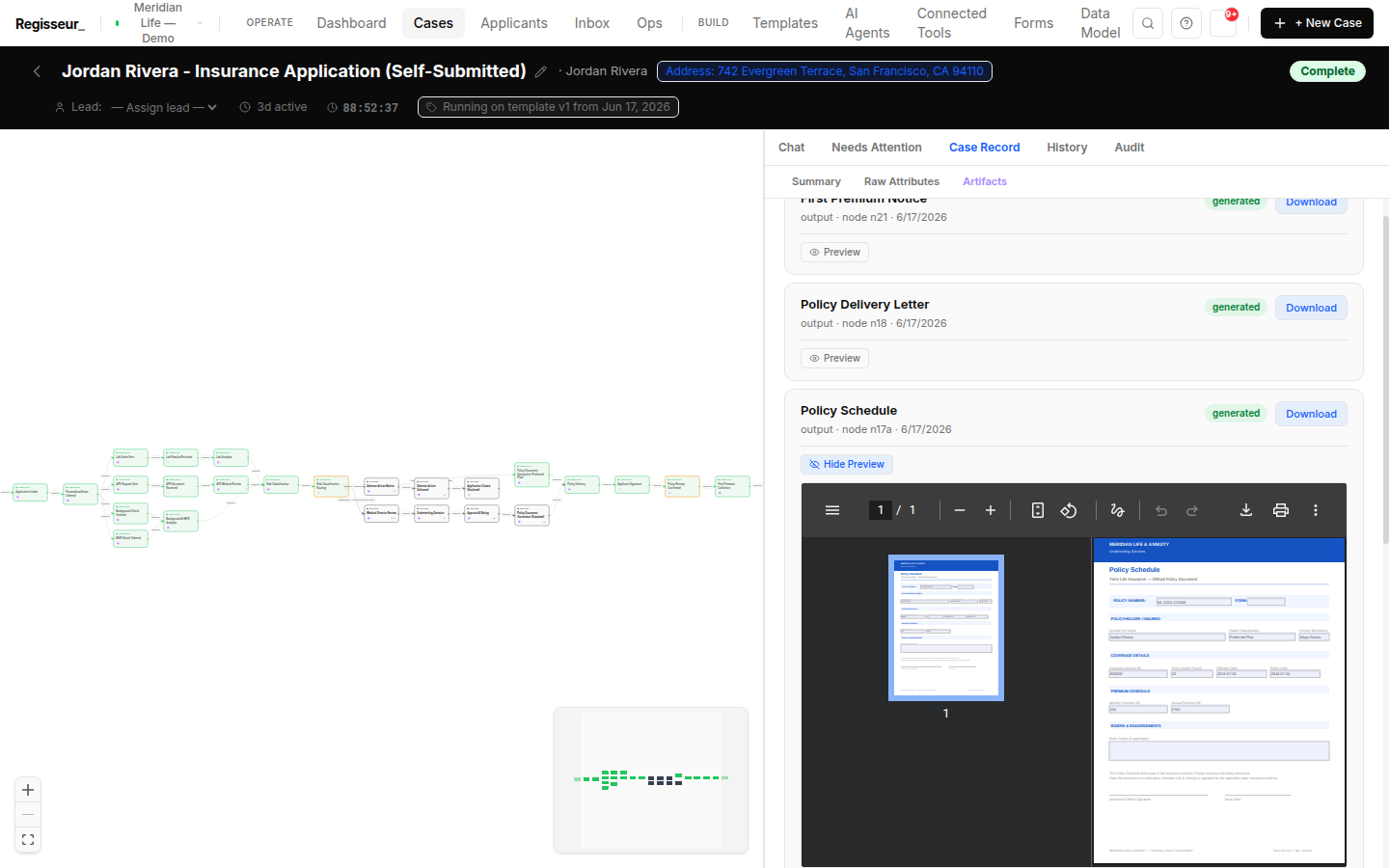
Generated documents flow into embedded signing (DocuSeal default, DocuSign optional) without leaving the case.
Send us a representative inbound document. We'll show it analyzed into workstreams, drafted into a candidate case for review, and a filled outbound document generated back out.